
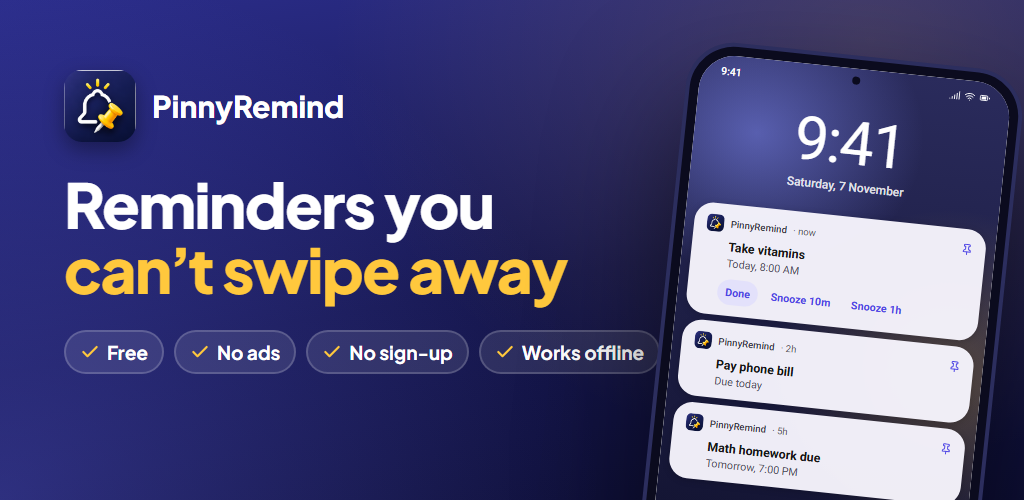
Ever swiped a reminder away and then forgot all about it? PinnyRemind fixes that.
Your reminder stays at the top of your phone until you tap Done. You can’t swipe it away by accident, so “I’ll do it later” never turns into “I forgot.”
Can’t swipe it away
Make a reminder and it sits in your notifications, always in view, until the job is done.
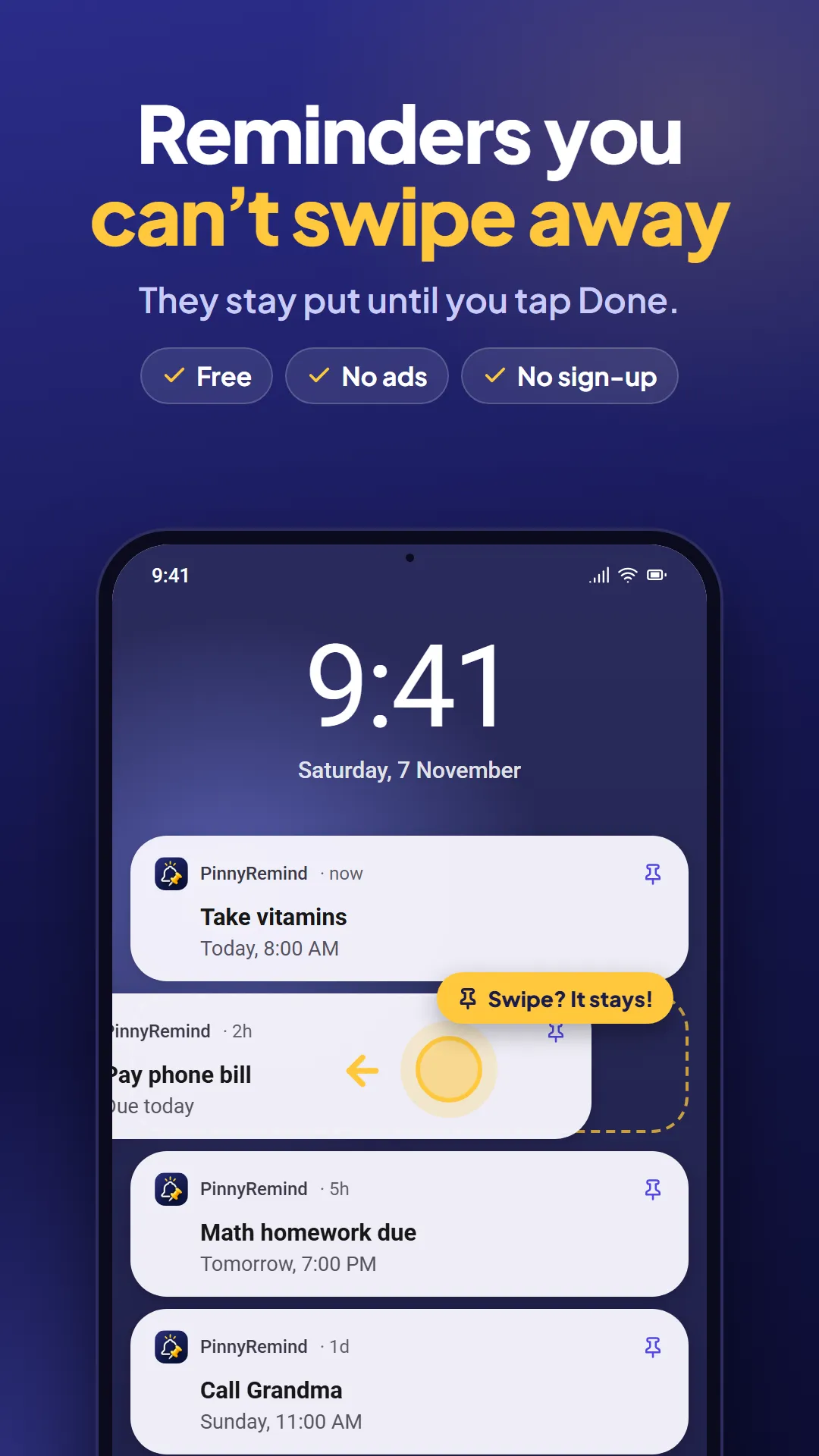
Pick a time, we’ll remind you
Choose a date and time, or tap +15 mins, +1 hr, +4 hrs or +1 Day. Your reminder shows up on time, even if the app is closed, and even after your phone restarts.
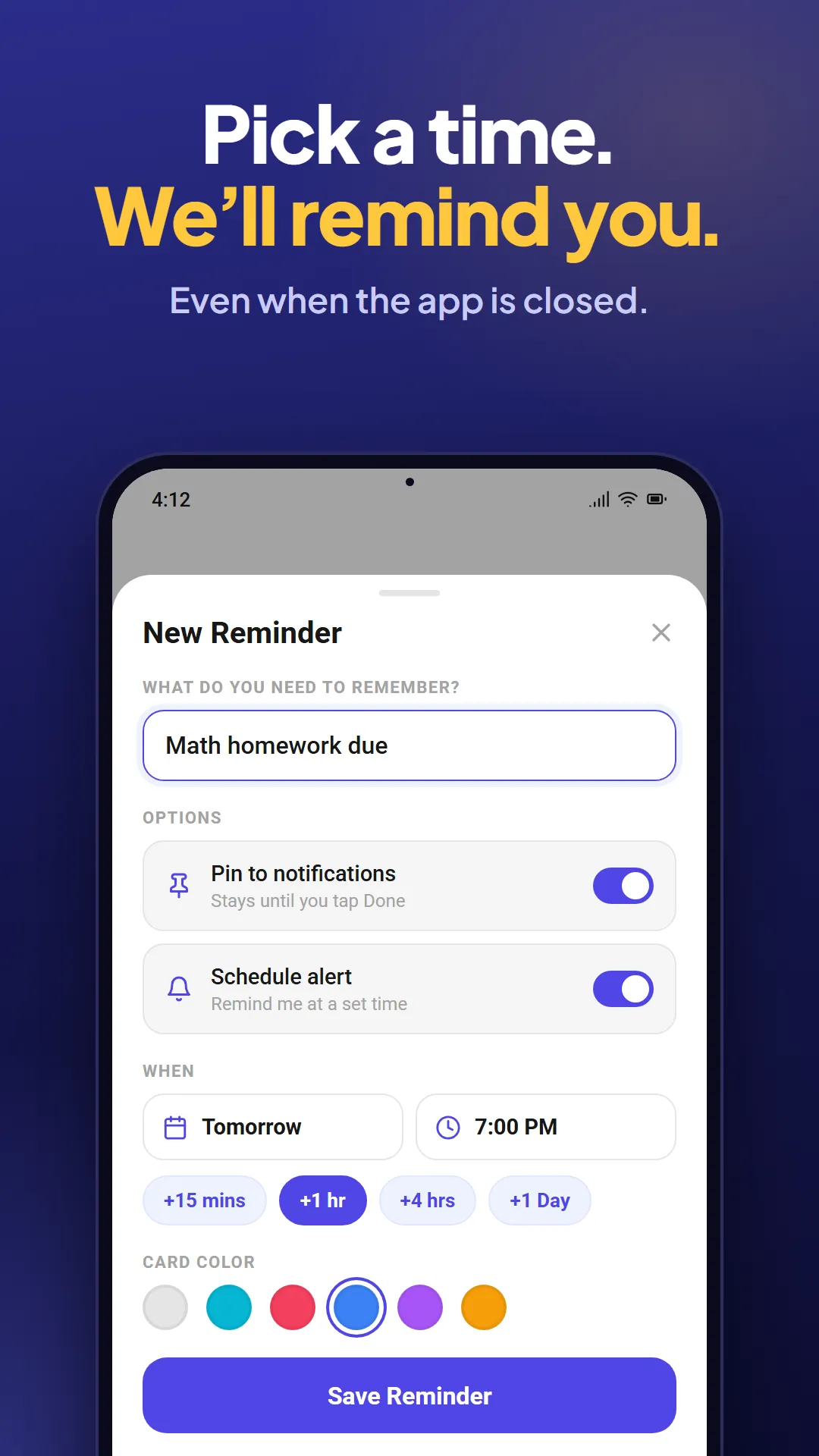
Repeat it
Every day, every week (you pick the days), every month or every year. Stop after a few times, on a date, or never.
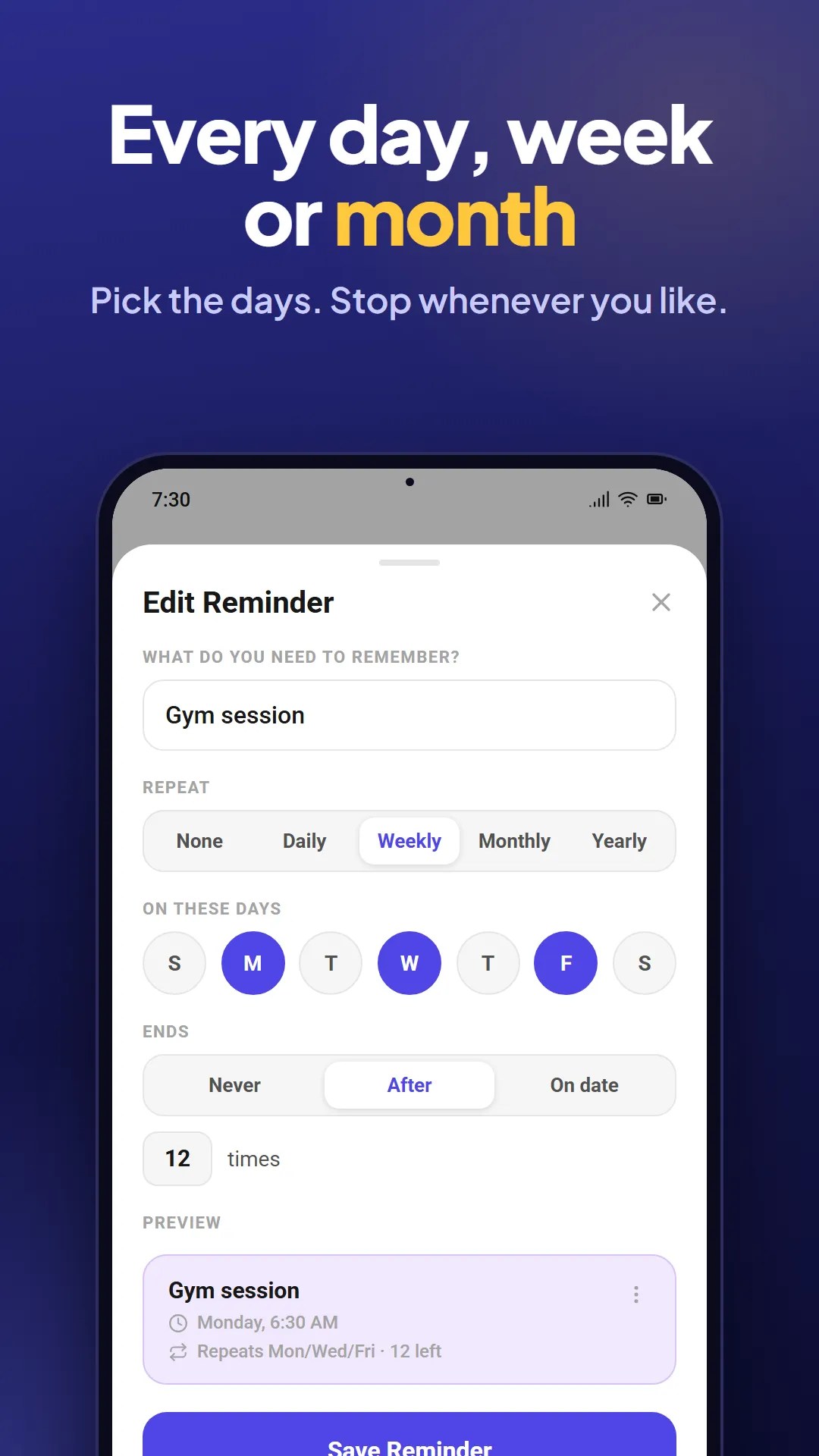
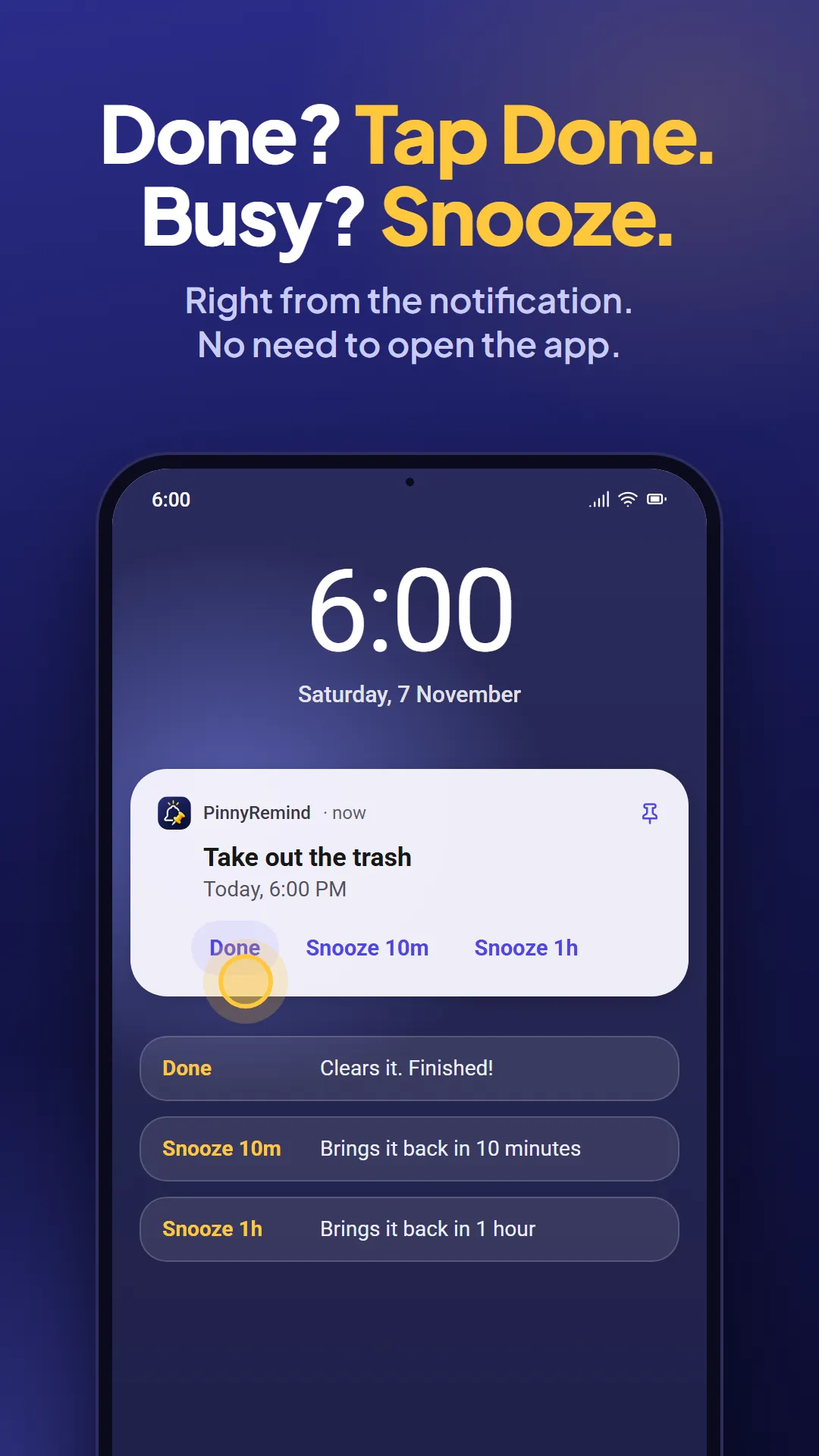
Done or snooze in one tap
Tap Done right on the notification to clear it. Busy? Snooze it and it comes back later. No need to open the app.
Neat and tidy
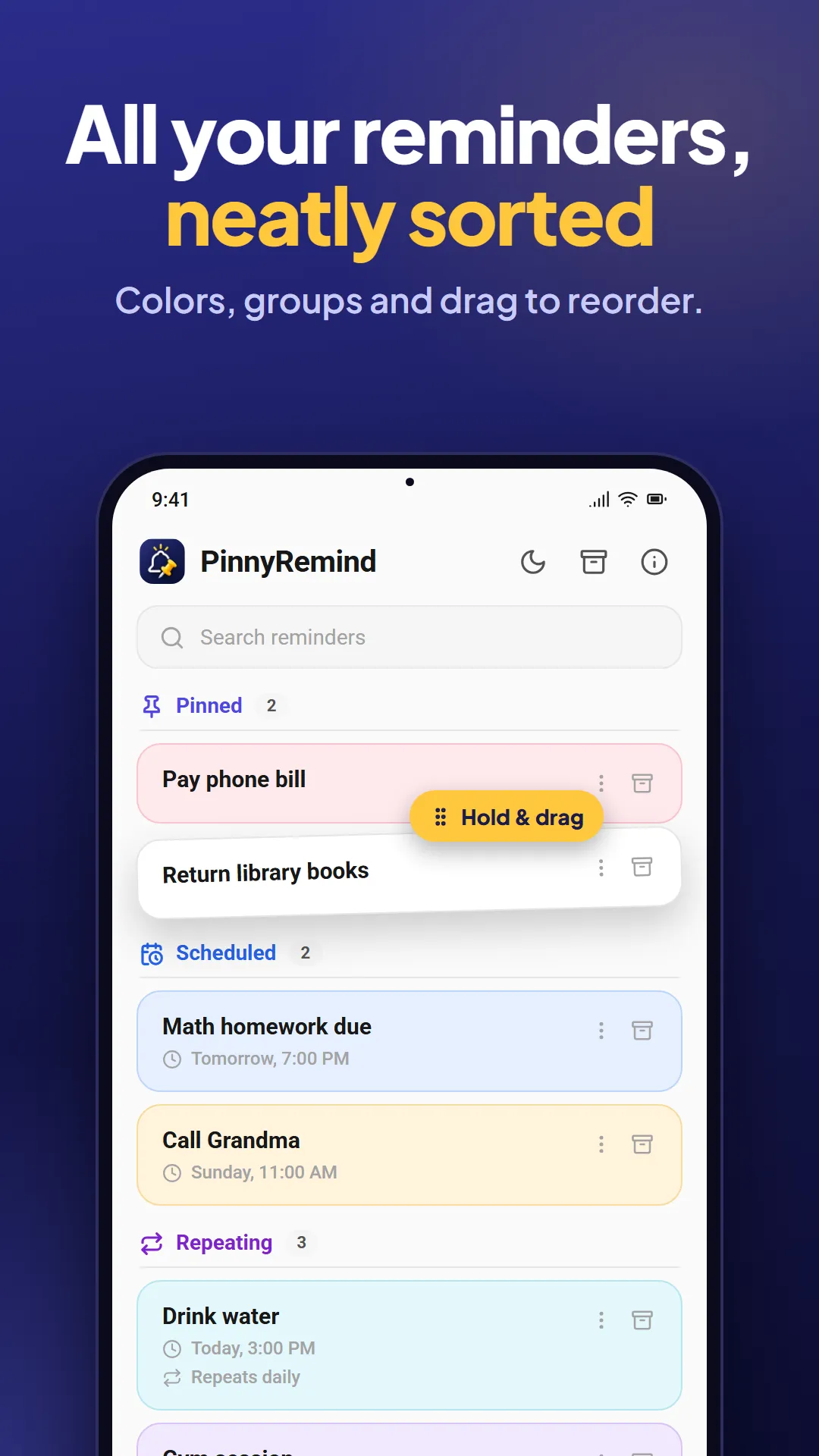
- Reminders sorted into groups: Pinned, Snoozed, Scheduled, Repeating
- Give each reminder its own color
- Hold and drag to put them in your order
- Swipe left to put one away
- Search to find anything fast
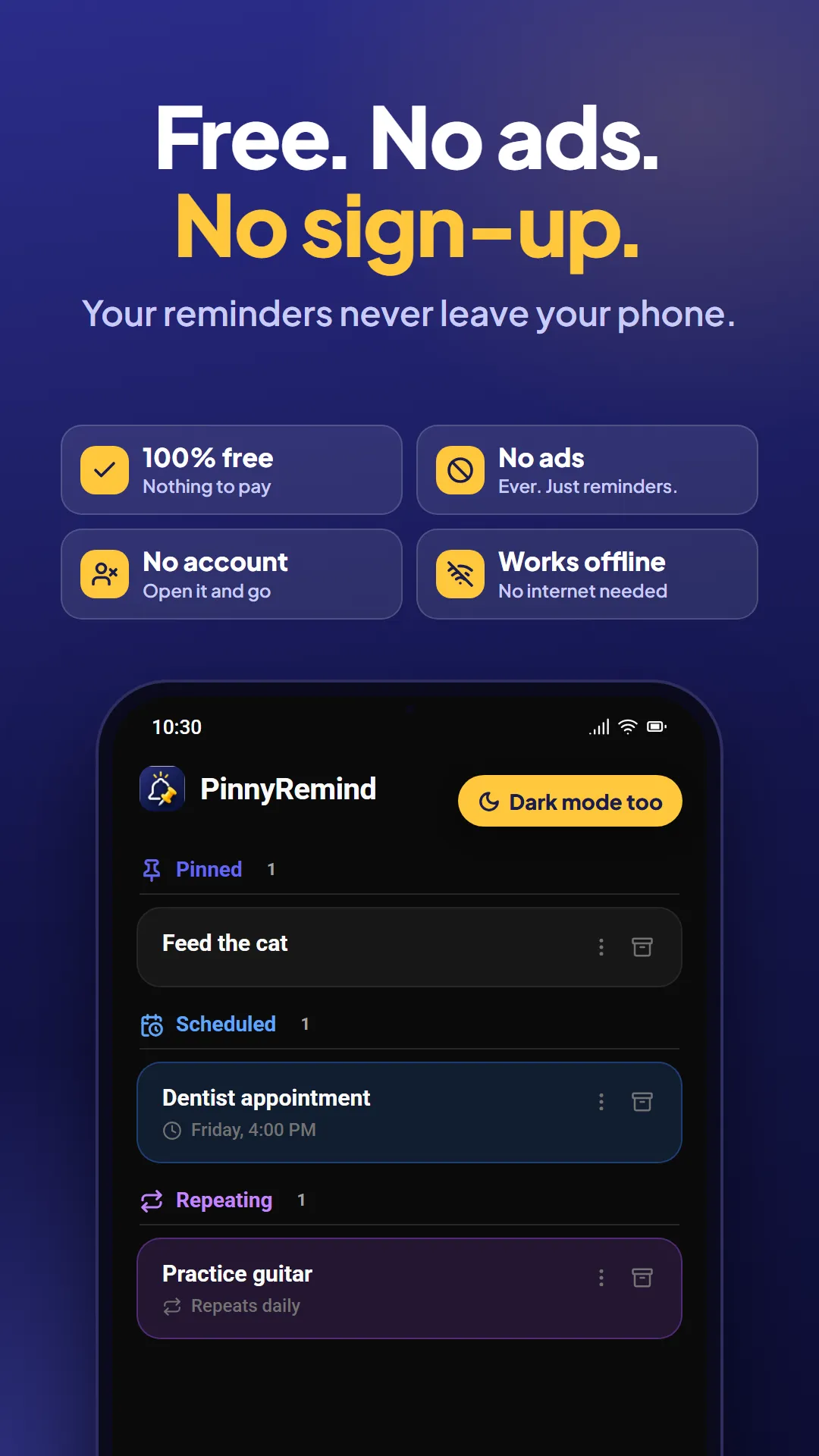
- Light and dark mode
Your reminders stay on your phone
No account. No sign-in. No internet needed to use it. What you write stays on your phone and is never sent anywhere.
Great for
- Homework and exams
- Taking medicine or vitamins
- Paying bills
- Drinking water
- Gym and practice
- Chores, calls and birthdays
Tip for some phones
Some phones close apps in the background to save battery. PinnyRemind shows you a quick, simple guide to keep your reminders on time.
Privacy
The app sends anonymous counts (like “a reminder was made”) to help us improve it. Your reminder text is never sent. Read the full privacy policy.
Install PinnyRemind and stop forgetting.